
Apple Watch Ebook Reader for TXT and Markdown
TXT / Markdown · Send from iPhone · Read offline
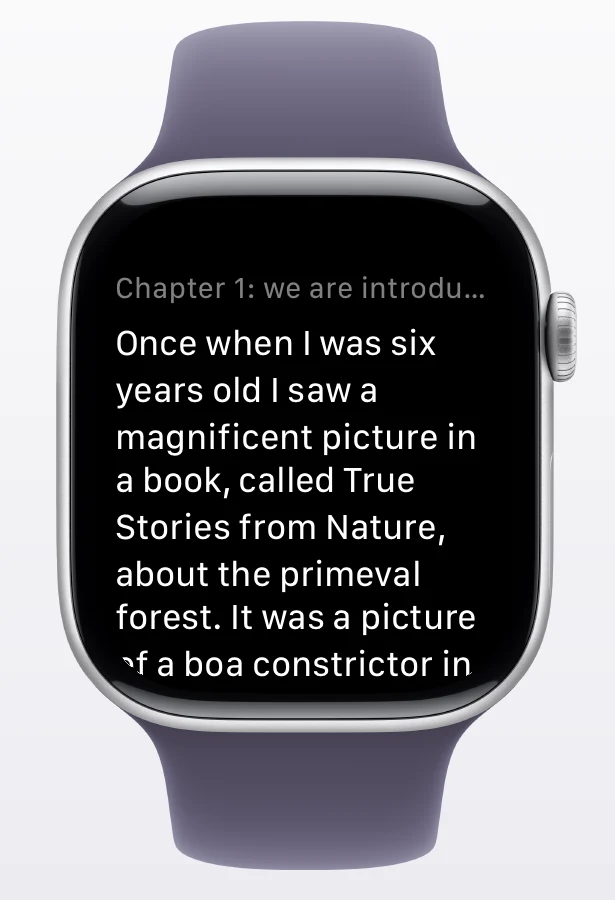
Keep novels, notes, and short articles in a library on your wrist. Import a file on iPhone, choose chapters, and send them to your paired Apple Watch. Once the watch saves the book, you can leave your phone behind and keep reading.

Requires an iPhone and paired Apple Watch running watchOS 10 or later.
Send a book from iPhone to Apple Watch
- Import and preview: Add a
.txtor.mdfile in WristTale on iPhone and check its chapter titles. For garbled text or missing chapters, see the import guide and TXT encoding converter. - Choose the watch and chapters: Select Apple Watch from the book's send flow, choose the chapters you want, then tap Send. A connected Garmin watch appears as a separate destination.
- Wait for watch confirmation: Progress on iPhone means files are being sent; it does not mean the watch has saved them yet. Keep both devices nearby until Apple Watch confirms the book is saved.
- Read offline: Open WristTale on Apple Watch and find the book in your library. Once saved, it can be read without keeping your phone nearby or using an internet connection.
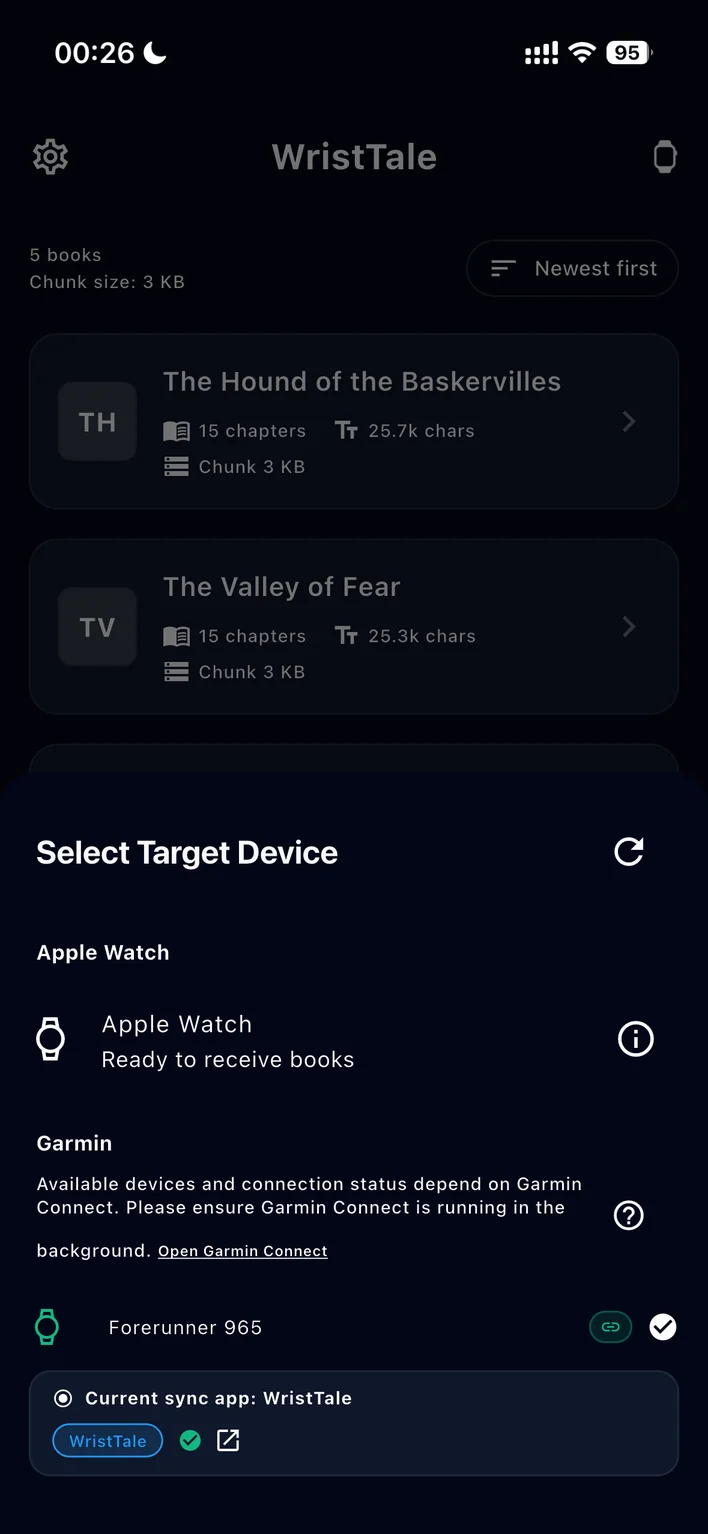
For the full set of screens, follow the illustrated TXT-to-Apple-Watch tutorial.
Reading on your wrist
WristTale provides a watch library, chapter navigation, and saved reading progress. On watchOS 10 you can read manually; auto-scroll requires watchOS 11 or later. TXT and Markdown work well for novels, study notes, checklists, and other text-first material. WristTale does not import EPUB or PDF directly; export readable TXT or Markdown text first.
Compatibility and pricing
| Item | What to expect |
|---|---|
| Phone and watch | Requires an iPhone and paired Apple Watch with WristTale installed on the watch. Open the watch app once for setup. The Android app cannot connect to Apple Watch. |
| System version | Basic reading works on watchOS 10 or later; auto-scroll needs watchOS 11 or later. |
| Transfer | Apple Watch uses Apple's WatchConnectivity. It does not require Garmin Connect or use the Garmin network relay. |
| Free trial | WristTale includes one free sync attempt shared across watch platforms. Further syncs require WristTale Pro. Current pricing is shown in the app. |
If you use a Garmin watch too, the same iPhone library can send books to either device. The destinations and progress are managed separately. See the Garmin TXT reader for that workflow.
Common questions
Why is my book missing on Apple Watch?
Check that WristTale is installed on the watch and has been opened once, and that the watch is paired with your iPhone. Do not treat the iPhone progress bar as confirmation that the book was saved. Wait for confirmation on the watch, then check its library. The sending guide has more troubleshooting steps.
Can I read without my iPhone nearby?
Yes. You need iPhone to import and send books; after Apple Watch confirms a book is saved, you can read that content offline on the watch.
Download WristTale from the App Store and start reading TXT books on Apple Watch
.