Available on Connect IQ

WristTale

Your personal library on your wrist. Sync and read TXT novels (Requires Companion App).

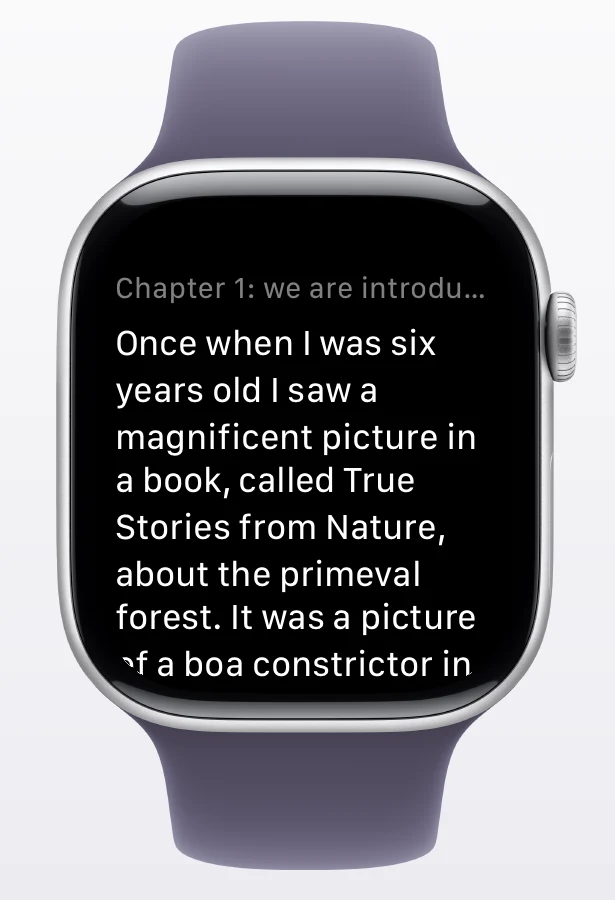
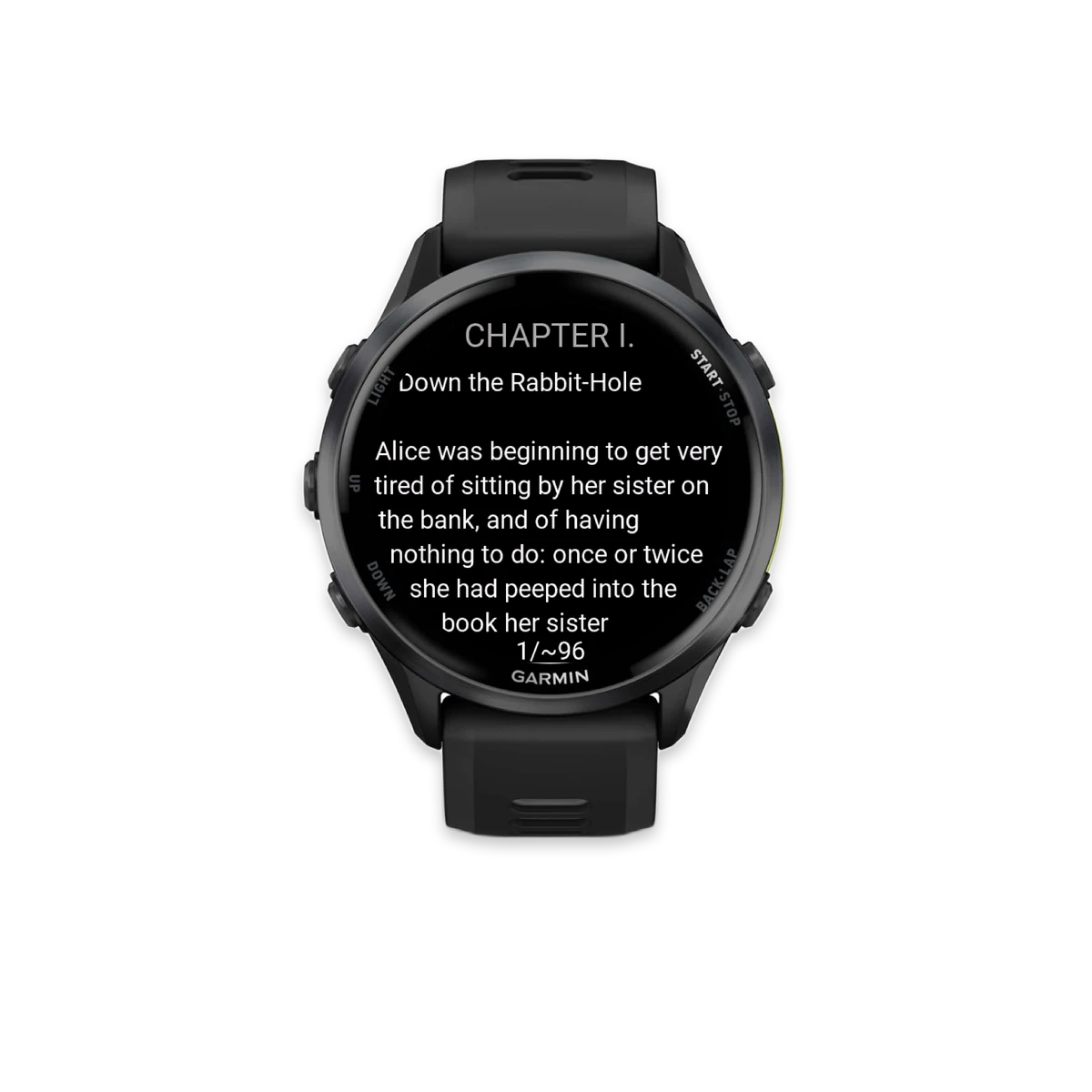
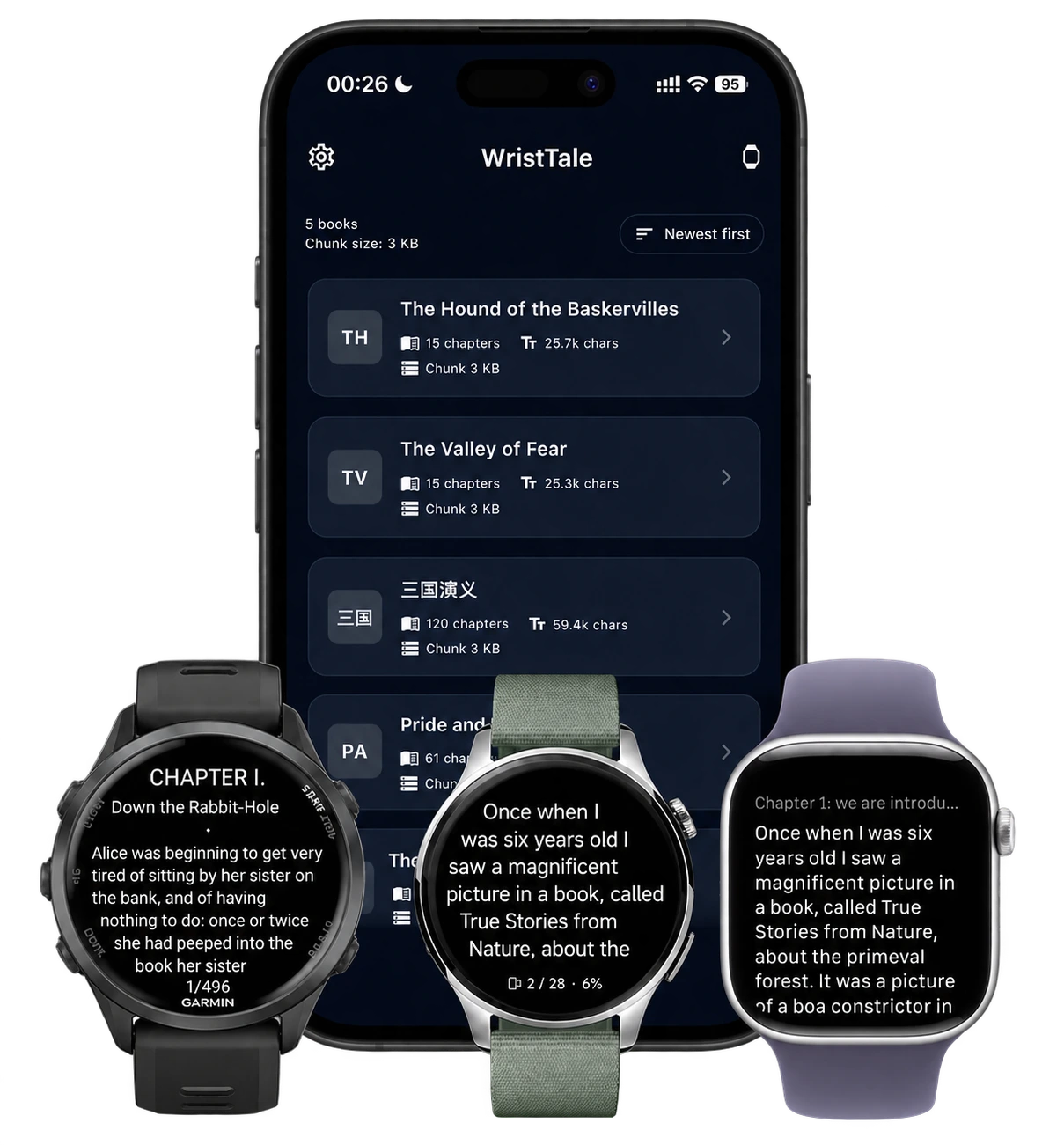
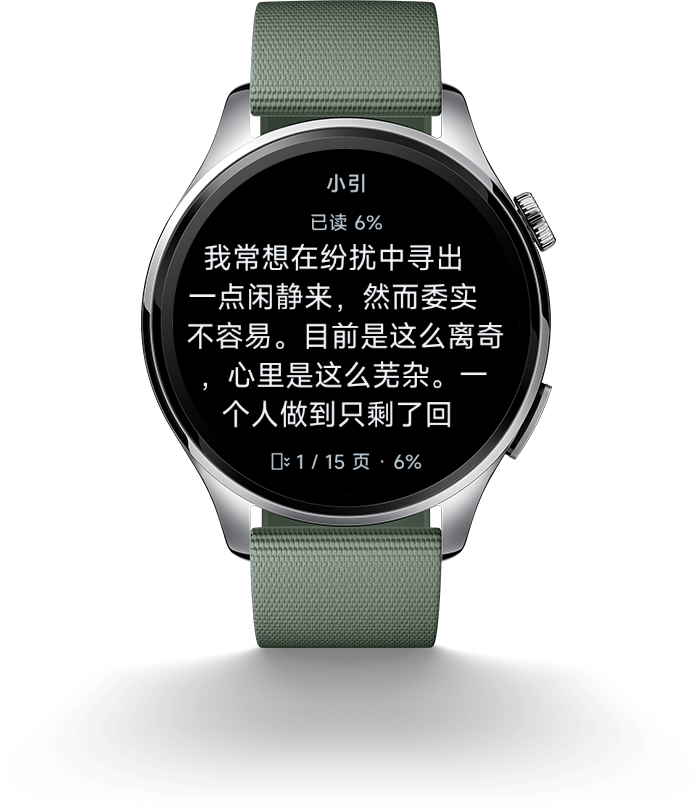
WristTale Screenshot

Key Features

Seamless Syncing
Easily transfer TXT novels from your phone to your watch using the companion app.
Optimized Reading
Enjoy a clean, distraction-free interface designed for both round and square Garmin displays.
Smart Chapter Navigation
Automatically detects chapters in your books, allowing you to jump between sections effortlessly.
Customizable Experience
Adjust font sizes to suit your preference and readability needs.
Offline Access
Once synced, your books are available completely offline. No bluetooth connection required to read.
Book Management
Visual bookshelf to manage your library.

Frequently Asked Questions

Everything you need to know about WristTale

WristTale is built on the Connect IQ Companion SDK, which requires Garmin Connect Mobile to discover your watch and establish communication between your phone and watch. This is Garmin's official framework for third-party apps to sync data with watches.

Beyond reading novels, WristTale is perfect for: storing race manuals and course guides for ultra-marathons; keeping study materials accessible for students; storing vocabulary lists and phrases for language learners. Pro tip: Use AI tools (like ChatGPT or Claude) to clean up and format your documents before importing—they can remove strange characters and organize content for better readability on your watch.

The "Storage Stats" feature displays values in bytes, not characters. Garmin uses UTF-8 encoding: English characters use 1 byte each, while Chinese characters use 3 bytes each. For Chinese content, divide the byte count by 3 to estimate character count. Example: 1.5M bytes ÷ 3 ≈ 500,000 Chinese characters.

WristTale splits books into small "chunks" transferred via Bluetooth. Keep both phone and watch apps open during sync. Don't let the screen sleep. Due to BLE limitations, we recommend syncing 20-50 chapters at a time for large books.

Common causes: 1) Ensure your watch is connected to Garmin Connect Mobile. 2) Force close and restart WristTale on both phone and watch. 3) Beta version has a limit of 20 chapters per book.

Latest Updates