
Garmin Venu X1 Ebook Reader: Read TXT Books
Garmin Venu X1 can read TXT books with WristTale. We have checked both English and Chinese reading on this watch. This page uses the English reading photo, showing a passage from Pride and Prejudice on the rectangular display.
Open the Garmin installation and book-transfer guide
Reading on the Venu X1 screen
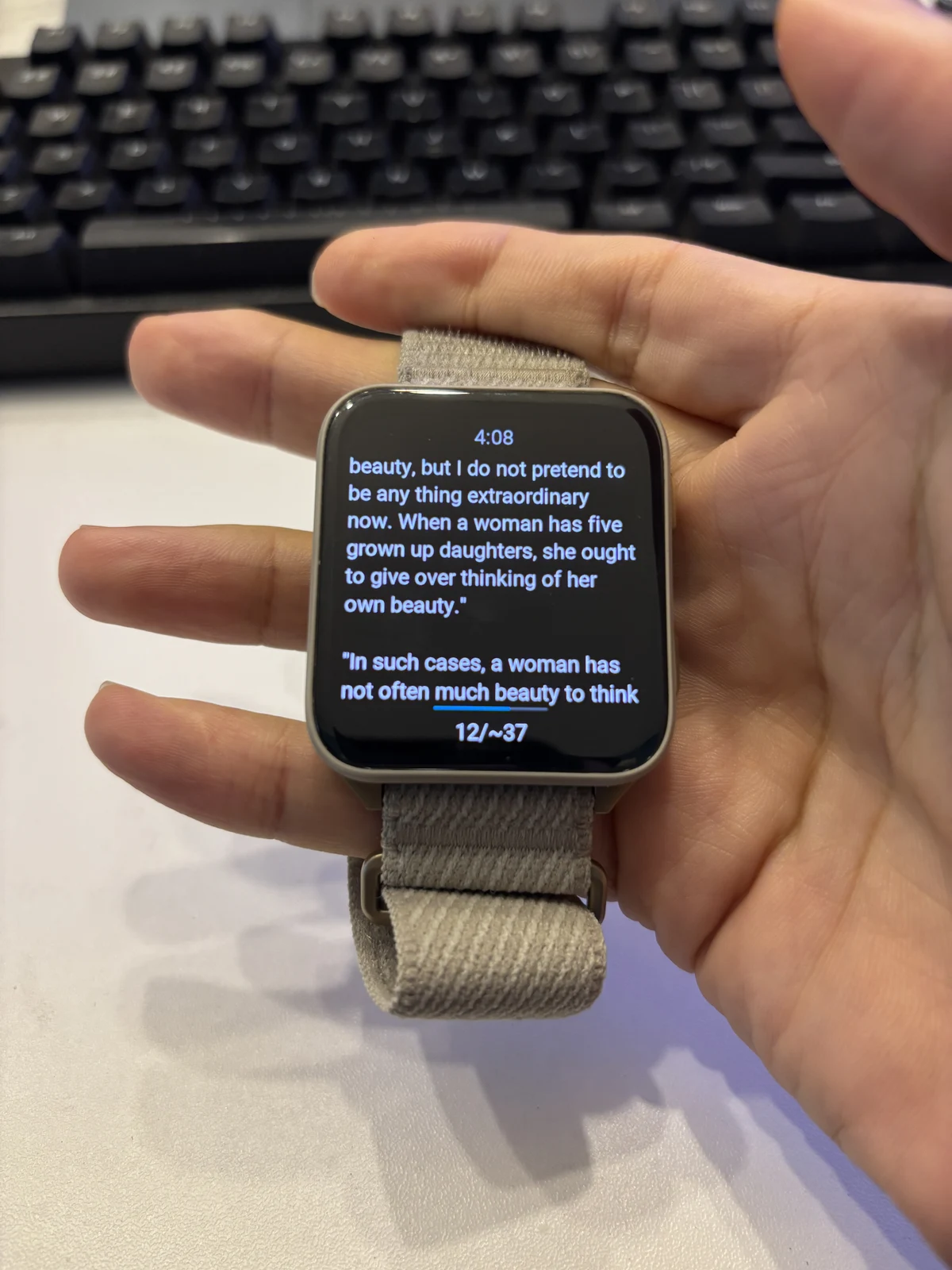
The photo shows continuous lines of text, a clock above the passage, and a page indicator below it. The rectangular screen avoids the pronounced narrowing at the top and bottom of a circular display. Actual page capacity still depends on font size, paragraph breaks, and language.
Start with a short passage
Import a familiar chapter or note on your phone and check that its text looks correct. Send it to the watch and open it there before adding more books. Once the watch has saved the content, you can read it offline without keeping the transfer connection active.
For setup, follow the Garmin guide. See Garmin reader features, other tested watches, and compatibility.