
- Published on
WristTale for HarmonyOS watches is here: read on HUAWEI WATCH 5
“Why would anyone read a book on a screen that small?”
We hear this question often. Some people are curious; others dismiss the idea entirely. We understand: reading on a watch will never appeal to everyone. But we think there are people who would enjoy a few paragraphs while waiting for a bus, standing in line, or taking a short break.
We build WristTale for those people.
Now there is another way to read: WristTale for HarmonyOS watches is available, with support for HarmonyOS 5.0 and later. The photos in this article show it running on HUAWEI WATCH 5, displaying both English and Chinese books.
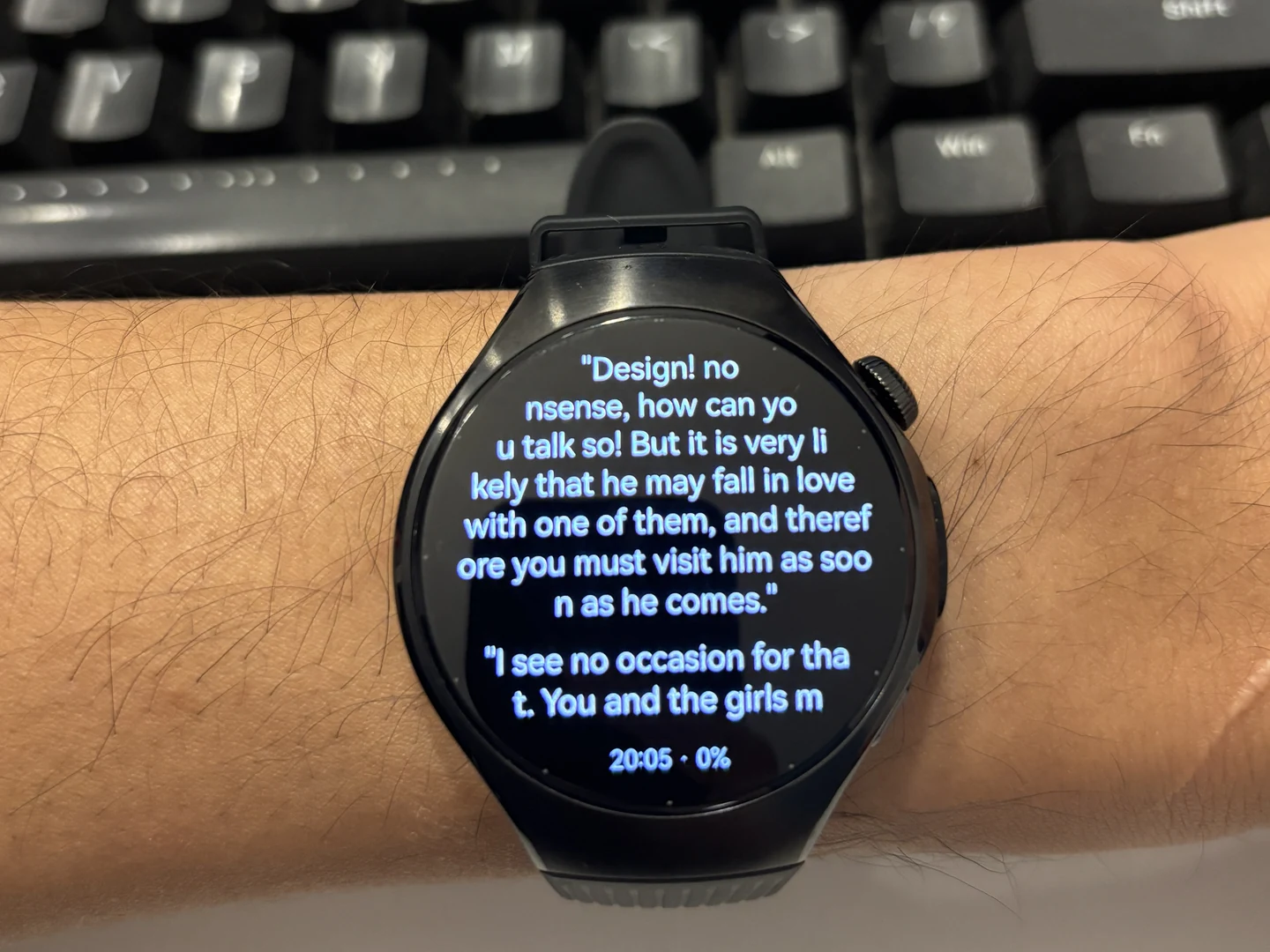
Reading Pride and Prejudice on HUAWEI WATCH 5.
Organize on your phone. Read on your wrist.
Import a TXT book into WristTale on your HarmonyOS phone, organize its chapters, and send it to your paired Huawei watch. Once the book is saved on the watch, you can read it offline.
Your phone handles the book library; your watch keeps the next few pages close at hand. Text sits against a black background, with the time and reading progress visible below it. You can bring a novel, a short piece of writing, or your own notes, ready for the next spare moment.
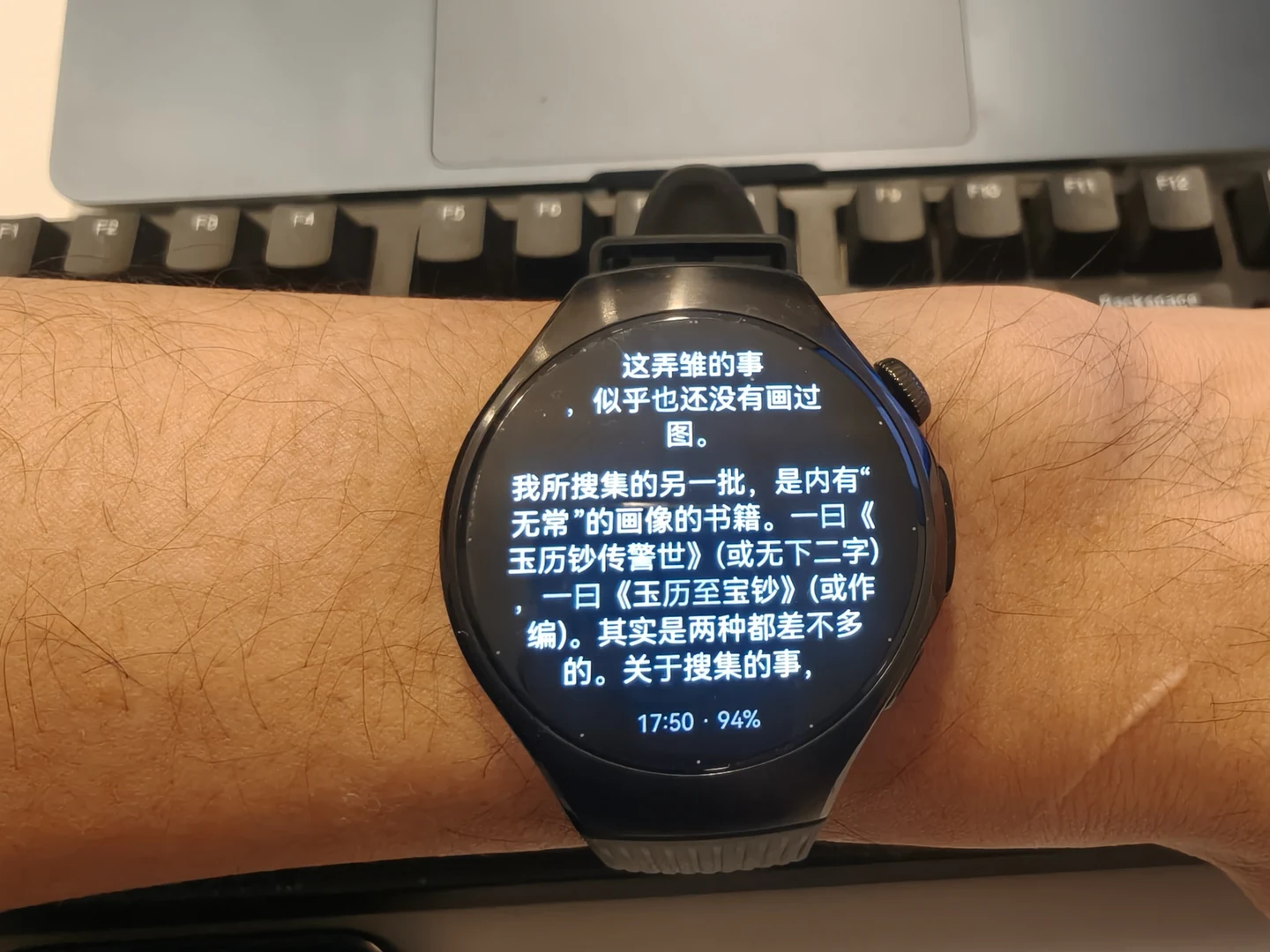
The same WATCH 5 displaying Chinese text.
Another member of the WristTale family
HarmonyOS joins Garmin, Apple Watch, Wear OS, and other Android watches in the WristTale family, giving more people a chance to try reading on a device they already own.
Our goal remains the same: to make WristTale the best ebook reader for smartwatches.
The audience may be small. As long as people find it useful, we want to keep making it better.
If your HarmonyOS smartwatch runs version 5.0 or later, find WristTale on Huawei AppGallery. The device featured here is HUAWEI WATCH 5.
Before installing, see our Huawei watch reader and setup guide, or check the compatibility table for phone, watch, and system requirements. Wear OS users can follow the separate Wear OS reader guide.