WristTale v1.1.1 is now available. This release focuses on the core workflow that matters most: importing TXT novels or notes on your phone, checking the content, and syncing them to a Garmin watch for offline reading.
If you have searched for how to read ebooks on a Garmin watch, how to import TXT novels to Garmin, or whether there is a Connect IQ reading app for offline text, start with the Garmin TXT reader workflow. This update is built around those exact use cases. File import is more reliable, chapter parsing is easier to review, transfer progress is clearer, and larger libraries are easier to organize.
Quick Update Summary
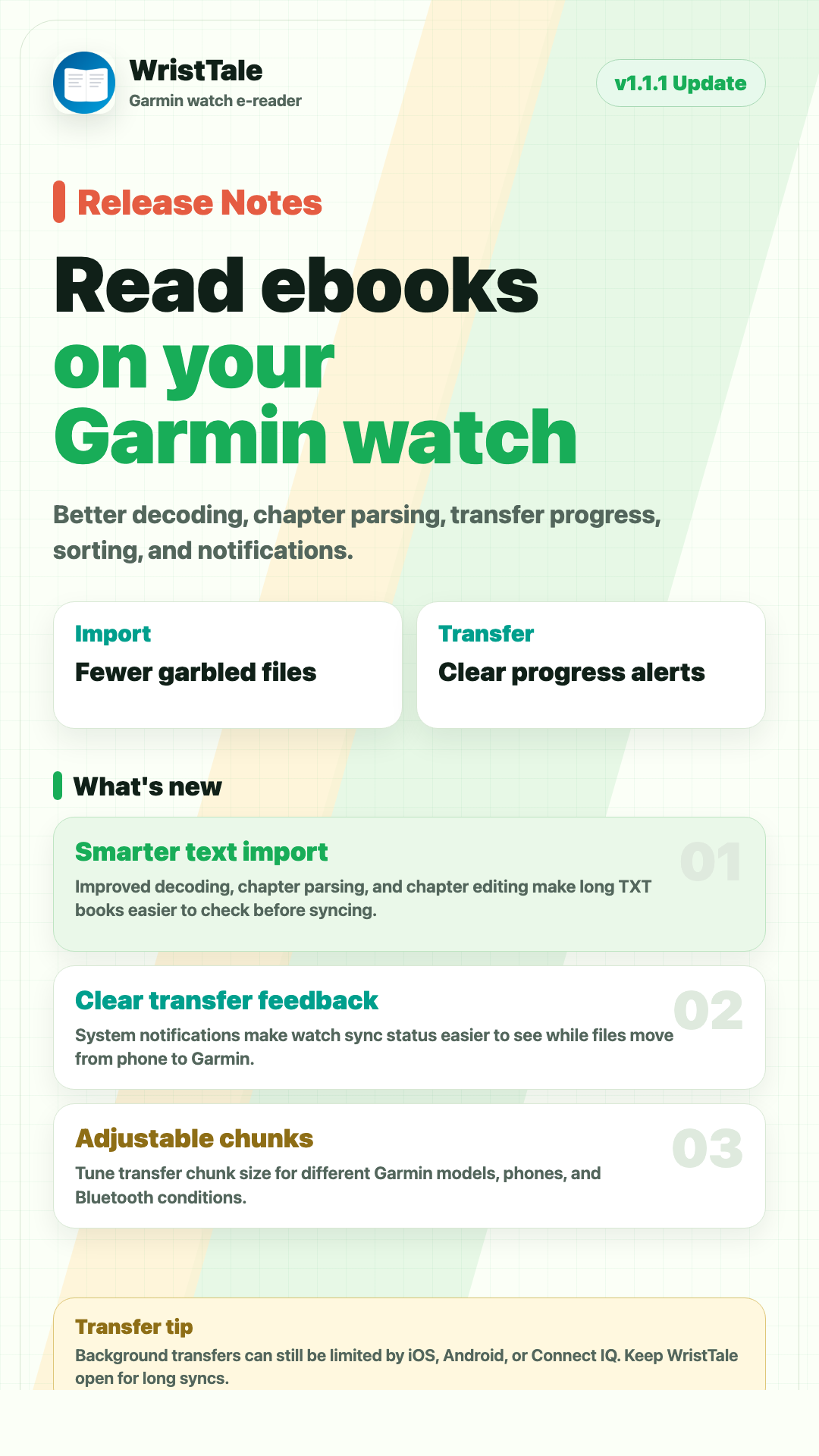
WristTale v1.1.1 includes these main improvements:
- Improved TXT novel and ebook file import
- Better text decoding to reduce garbled characters and broken line handling
- Improved chapter parsing with easier chapter editing
- Better file preview before import
- Clearer phone-to-Garmin watch transfer progress
- New bookshelf sorting options
- New transfer chunk size setting
- New system transfer notifications
- Support for editing author information
The goal is simple: make WristTale feel more like a practical Garmin watch ebook reader for everyday use, not just a tool that pushes plain text onto a small screen.
TXT Import Is Better for Real Book Files
TXT files are often messy. Some are UTF-8, some are GBK, and many include unusual symbols, inconsistent line breaks, repeated blank lines, or non-standard chapter titles.
If a TXT file still opens as garbled text, convert it first with the TXT encoding converter before importing it into WristTale.
In earlier versions, large novels or complicated text files could take longer to process, and chapter detection was not always easy to verify. WristTale v1.1.1 improves the import pipeline, especially around text decoding, chapter parsing, and chapter editing.
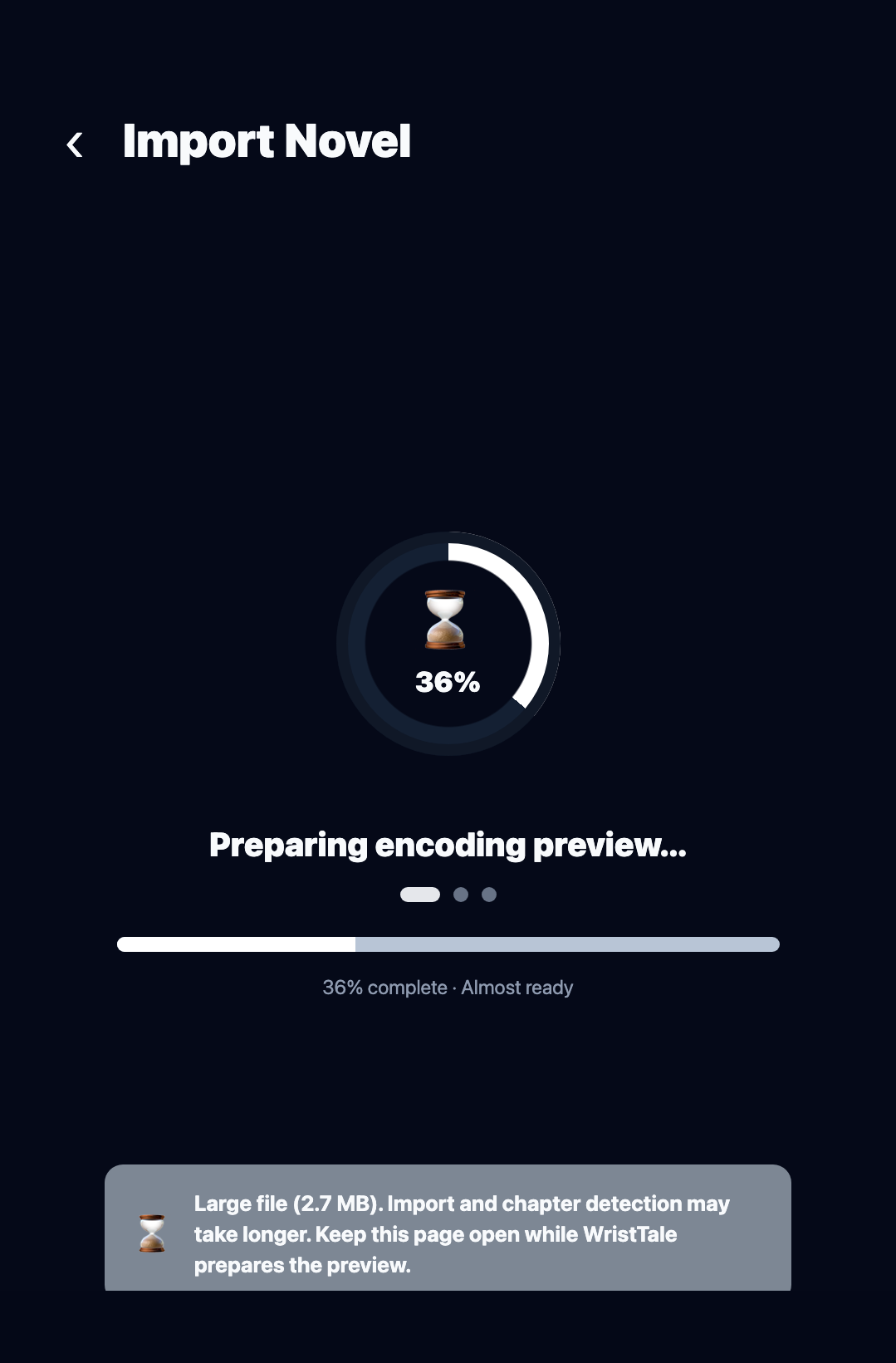
That means long novels, study notes, race manuals, training plans, and other TXT files should be easier to bring into WristTale with fewer encoding and chapter-structure problems.
Preview Content Before Importing
WristTale v1.1.1 also improves the file preview experience. Before importing a book, you can more easily check the text content and chapter structure.
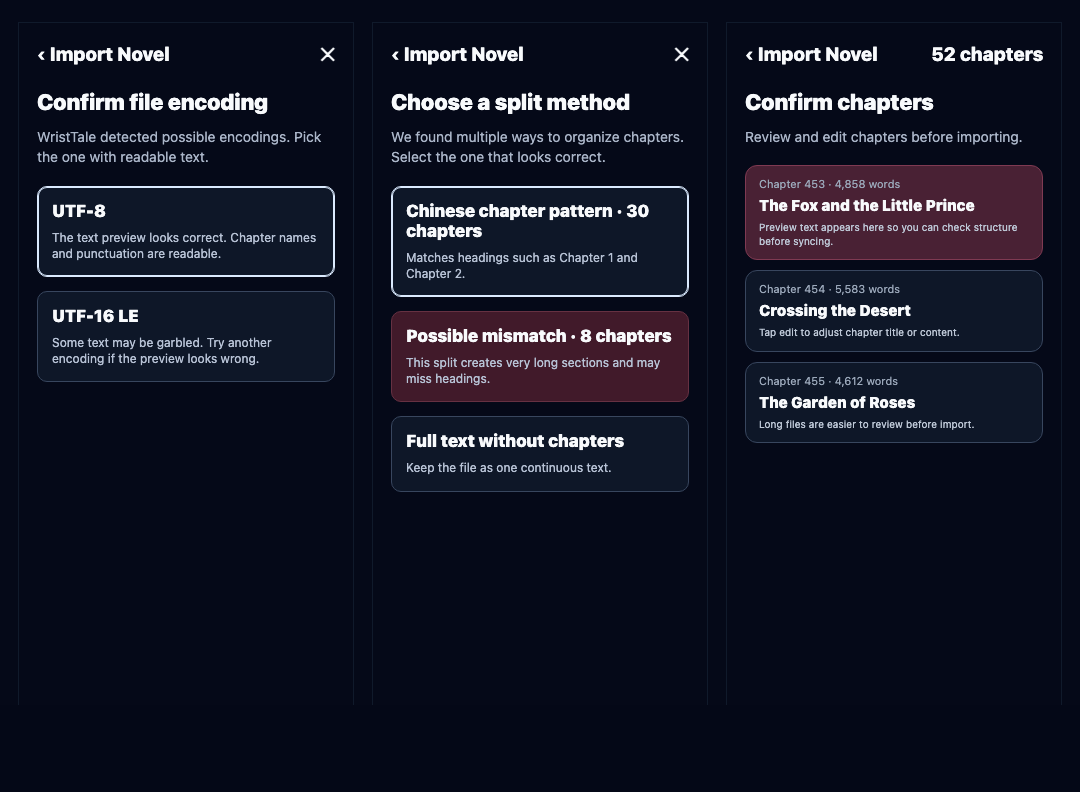
This is important because many issues are better caught before the book reaches your watch. If a file contains garbled text, incomplete content, or incorrectly detected chapters, it is much easier to fix it before deleting, re-importing, and syncing again.
For older Chinese, Japanese, Korean, or Windows TXT files, the file encoding detector guide explains how to choose between UTF-8, GB18030, Big5, Shift_JIS, and other source encodings.
Phone-to-Watch Transfer Feedback Is Clearer
WristTale works by importing books in the phone app and then syncing them to the Garmin watch through the Connect IQ communication layer. That process can be affected by phone system policies, Bluetooth state, watch model, and Connect IQ communication stability.
Version 1.1.1 improves transfer progress feedback. When syncing a large file or a book with many chapters, the app gives a clearer sense of what is happening and how far the transfer has progressed.
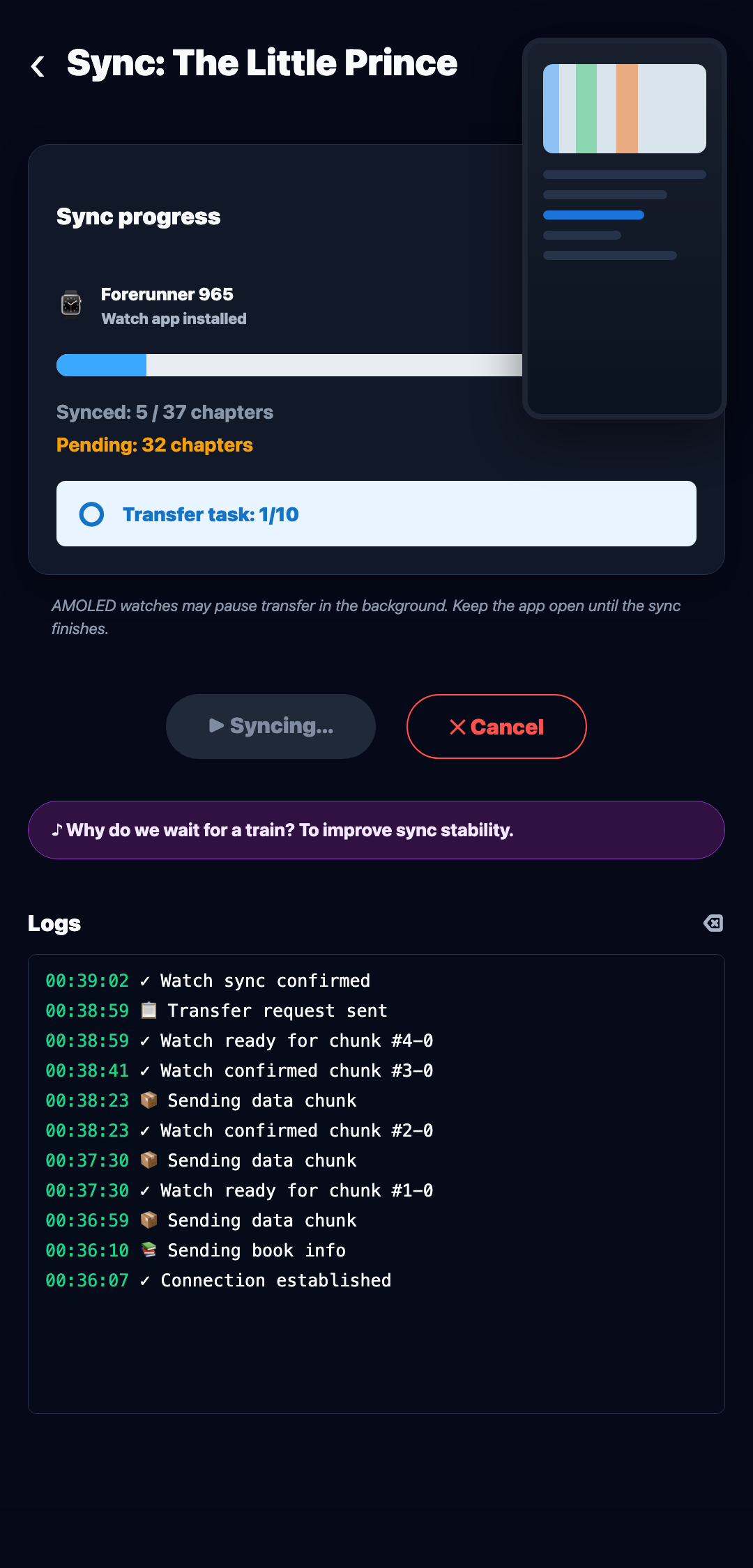
For a Garmin watch ebook reader, reliable import and transfer behavior matters more than adding more surface-level features. Clearer feedback helps users understand whether a problem is related to the file, Bluetooth, or temporary device communication.
Bookshelf Sorting Helps Larger Libraries
If you only keep one or two books on your watch, bookshelf management is not a major issue. But once you add novels, notes, race instructions, route details, and training materials, the list gets longer quickly.
WristTale v1.1.1 adds sorting options, making it easier to organize books by time, file name, and other orderings.
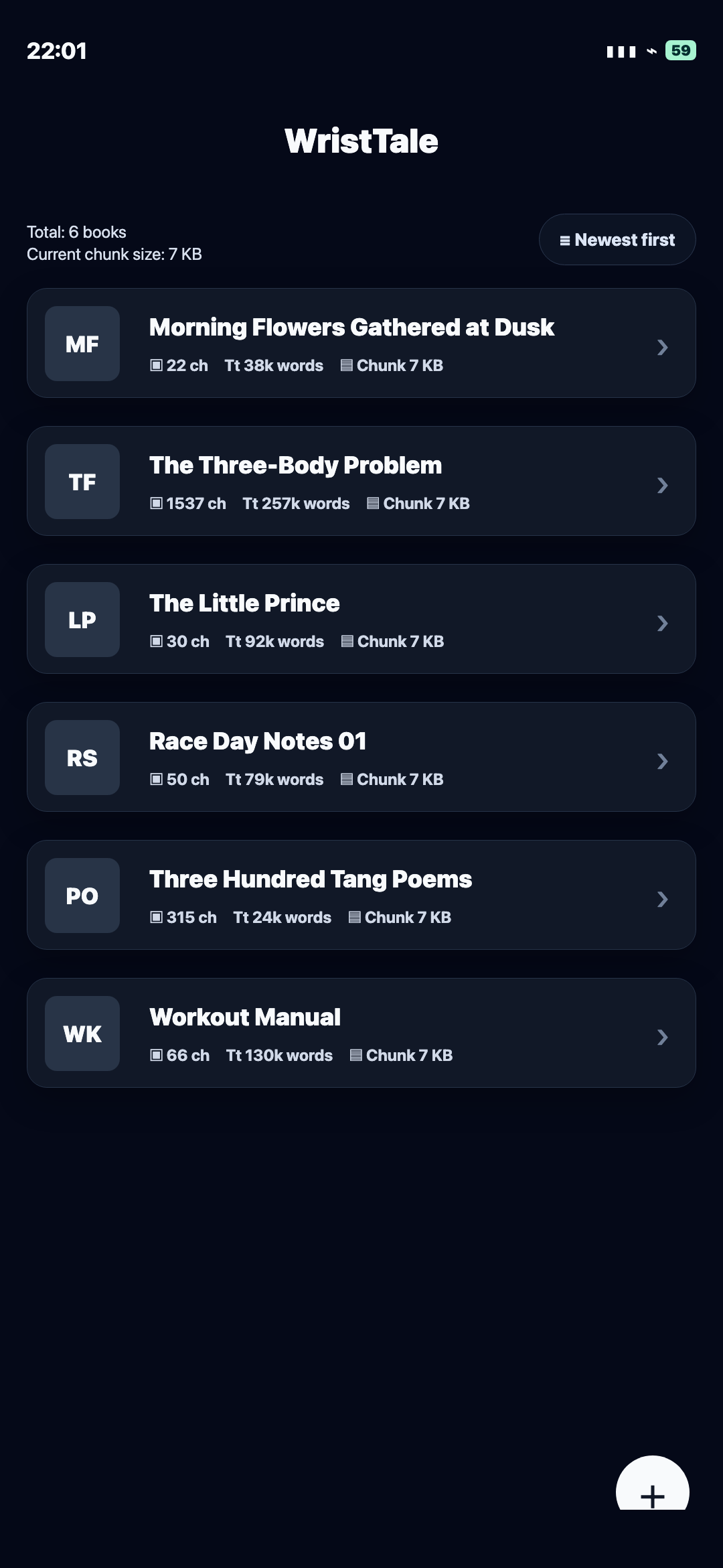
This makes WristTale more useful as a small offline text library on your wrist, especially if you switch between different books and reference materials.
Transfer Chunk Size Gives Advanced Users More Control
WristTale v1.1.1 adds a transfer chunk size setting. In simple terms, the phone does not send an entire book to the watch in one single block. It splits the content into smaller chunks and sends them step by step.
Different Garmin models, phones, operating systems, and Bluetooth conditions may behave differently. If the default setting is not stable enough for your setup, you can try adjusting the chunk size.
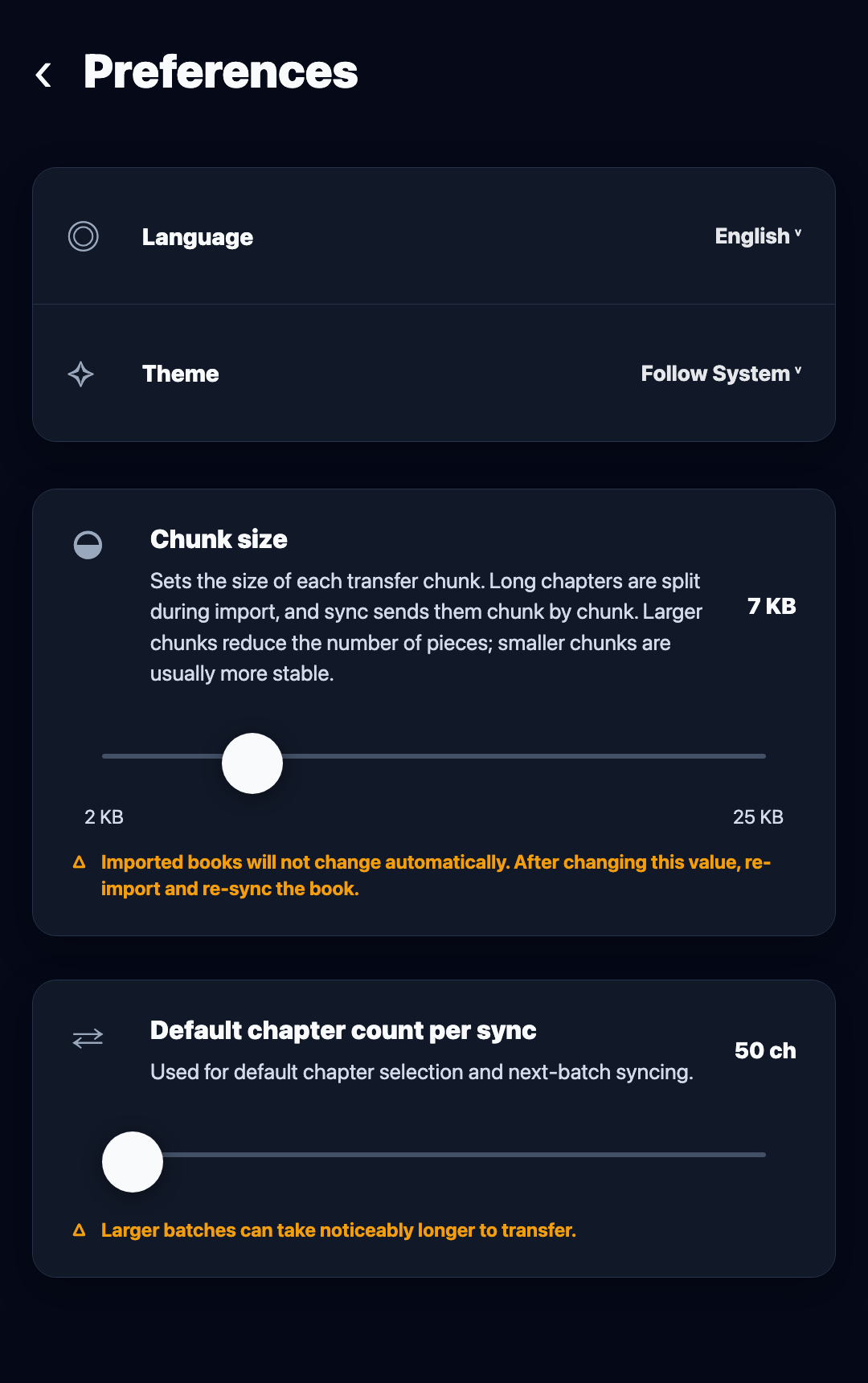
Most users can keep the default value. This option is mainly useful if large file syncs are unstable or frequently interrupted.
System Notifications Show Transfer Status
This update also adds system notification support for transfers. While syncing content, your phone can show transfer status in the notification area, making it easier to know whether the task is still running.
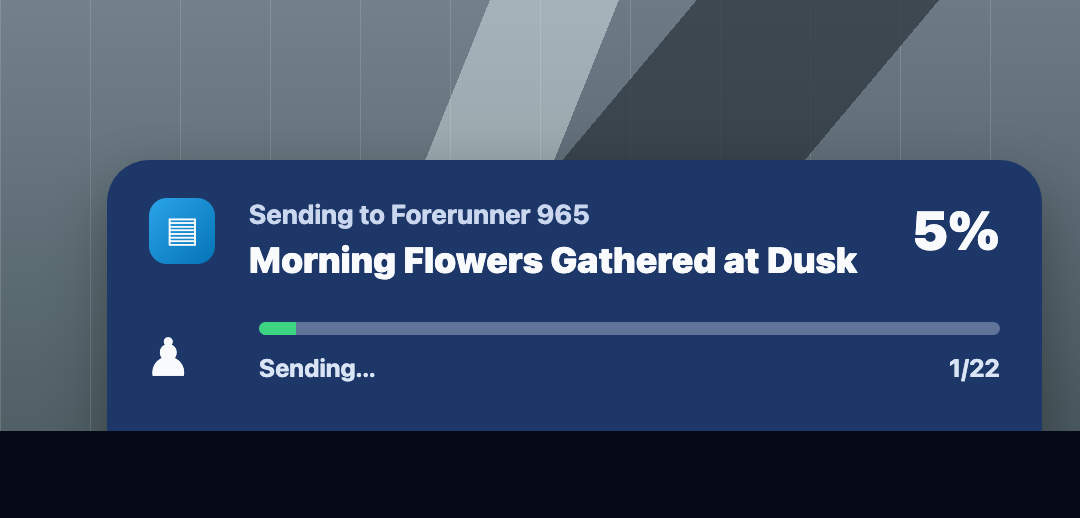
Background transfers can still be limited by iOS, Android, and Garmin Connect IQ communication behavior. For large books or important syncs, keeping WristTale open in the foreground is still the best way to reduce interruptions.
Recommended for All WristTale Users
WristTale v1.1.1 is recommended for all users. Even if you only read short text occasionally on your Garmin watch, the update makes importing, previewing, syncing, and organizing books clearer and more stable.
If you often import long TXT novels, or if you use your Garmin watch for offline notes, race manuals, study materials, or quick reference text, the benefits are even more noticeable. This release improves the foundation of the app: import, review, transfer, organization, and feedback.
WristTale is still not meant to replace a Kindle or a phone reader. It is designed for moments when reading a few paragraphs from your wrist is useful: commuting, waiting in line, resting between training sets, checking short instructions outdoors, or reading when pulling out a phone is inconvenient.
If your use case is closer to listening while moving, see WristListen, a standalone Garmin audiobook app. It turns eligible TXT or EPUB files into chapter audio for music-capable Garmin watches. You can also read the read-or-listen guide to decide which app matches the current task.
Final Thoughts
WristTale v1.1.1 is a foundation-focused update. It does not change the core idea of reading ebooks on a Garmin watch, but it makes the full workflow more complete: better phone-side import and preview, clearer transfer feedback, and easier book organization on the watch.
For a Garmin watch reading app, those details matter. Stable import, stable transfer, and clear feedback are what make WristTale practical enough to use over the long term.